Meta Quest
Your clouds, inside the headset
Browse every cloud drive you own from Quest and put the films on a screen the size of a wall. Up to 8K hardware decoding, Blu-ray and DVD ISOs read in place, 360 and VR180, AI subtitle translation and native DSD up to DSD1024 — none of it downloaded to the headset first.
- Up to 8K
- 360 · VR180 · fisheye
- Blu-ray ISO in place
- Native DSD1024
- AI subtitles
- Full CloudDrive2
Clouds
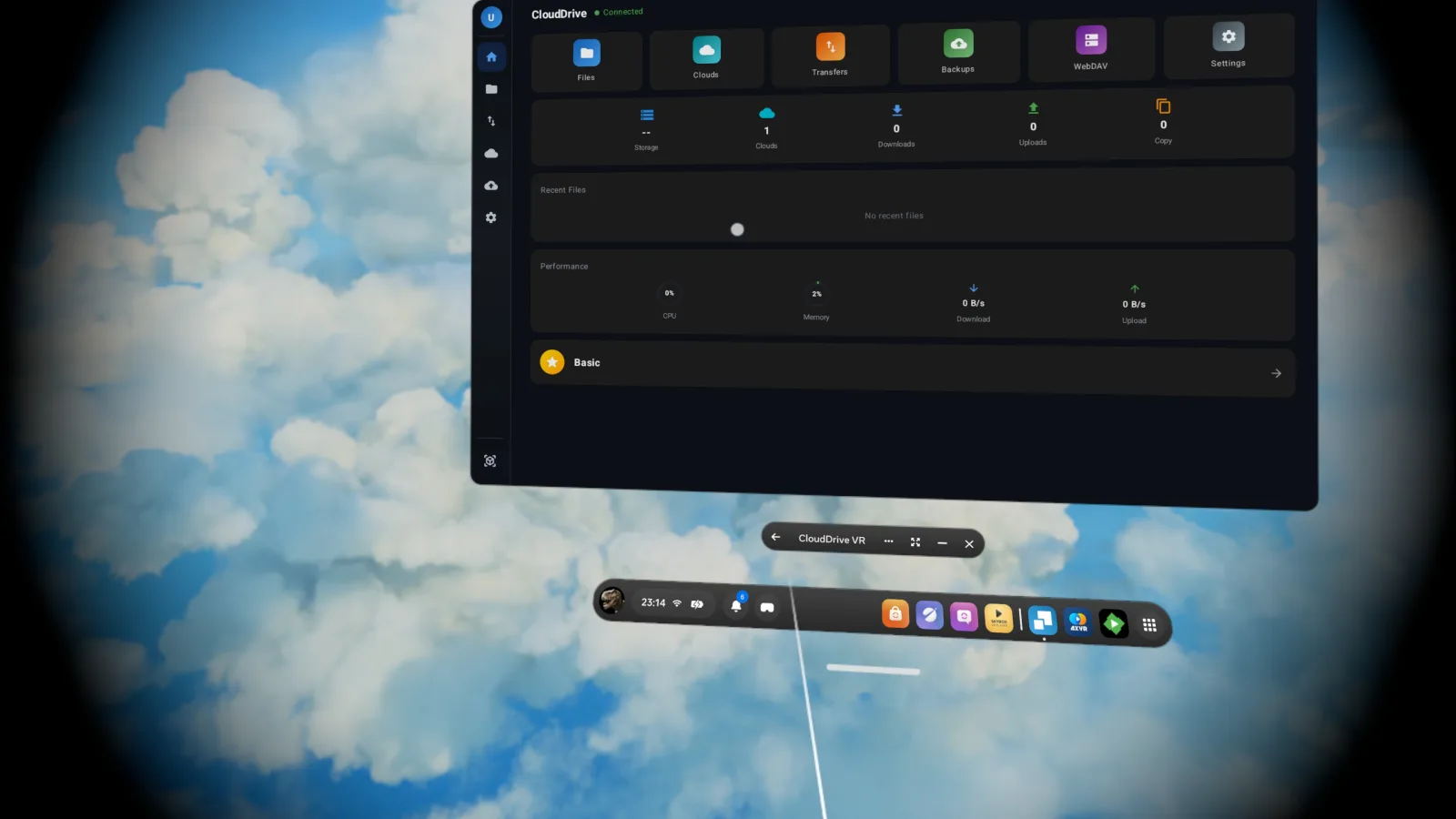
All of CloudDrive2, running in the headset
Every account in one app
115, Aliyun Drive, Baidu Pan, Google Drive, OneDrive, Amazon S3, WebDAV (Nextcloud, Seafile and the rest), SFTP, FTP, SMB/CIFS and local network storage, all connected in one place. Browsing, search, uploads, downloads, cross-cloud copying, backup jobs and the WebDAV server are the same ones you use on the desktop.
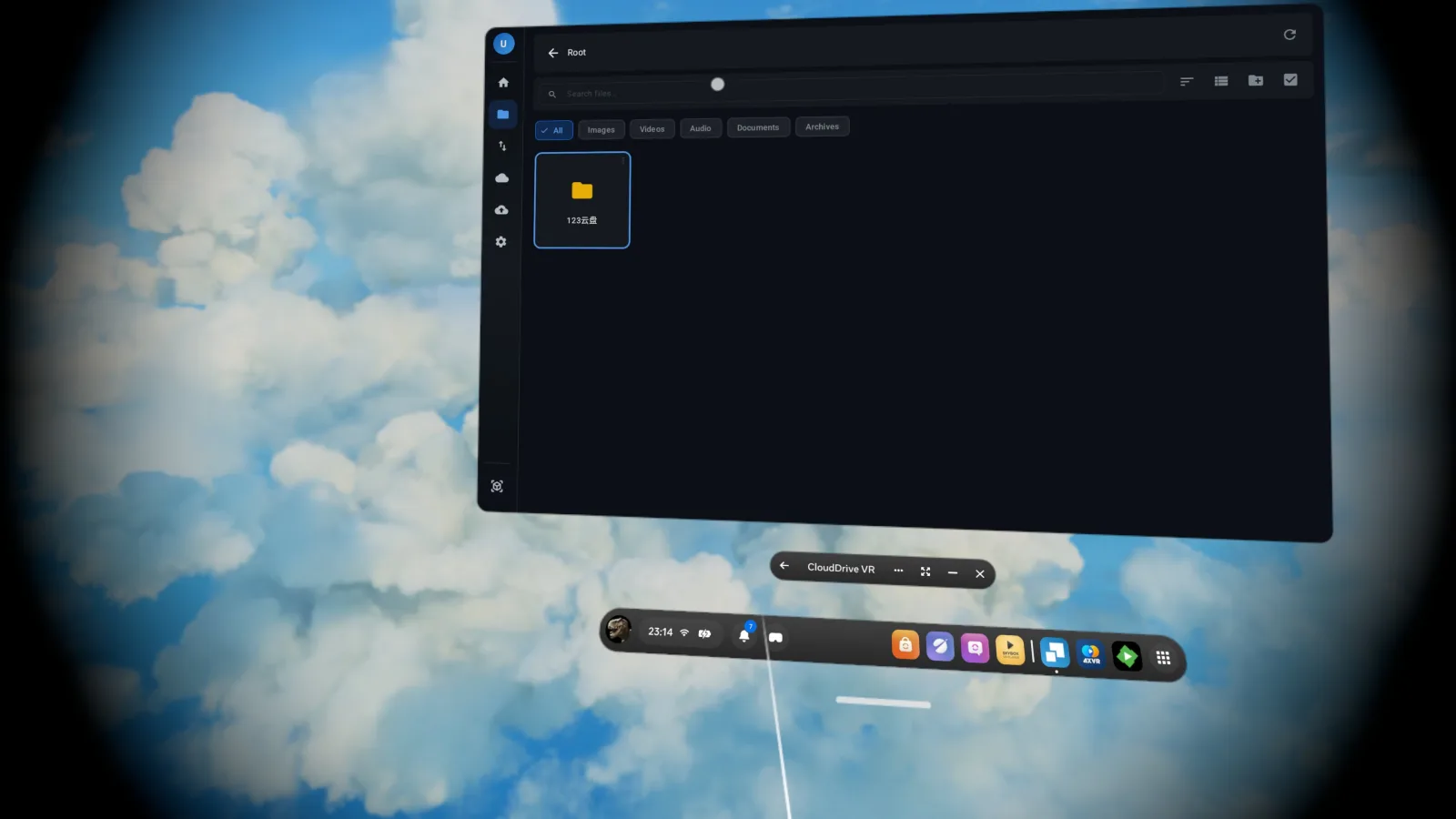
The file browser filters by type — images, video, audio, documents, archives — so finding tonight's film in a drive holding a few hundred thousand files takes a moment, not a scroll.
The headset build has no local filesystem mounting: on Quest you cannot mount a cloud as a system drive. Everything else matches the desktop.
- Cross-cloud copy
- Transfers and backups
- WebDAV server
Media
Cloud files, played where they are
The player reads from the cloud, so a 60 GB disc image never has to land on the headset's storage. Decoding, menus, audio tracks and subtitles all come with it.
Decoding and resolution
Hardware-accelerated H.264 and H.265/HEVC up to 8K. AV1, MPEG-2, VC-1 and H.264 High Profile decode in software through FFmpeg. Containers include MP4, MKV, AVI, WebM, TS, M2TS, ISO, HLS and DASH.
HDR and Dolby Vision
HDR10, HDR10+ and HLG, tone-mapped with ITU-R BT.2446-A. Dolby Vision covers profiles 5, 7, 8, 8.1 and 9.
Blu-ray and DVD ISOs
Blu-ray ISOs play without extraction, with both HDMV and BD-J (Java) disc menus, multi-clip playlists, chapter navigation and PGS bitmap subtitles. DVD ISOs read IFO metadata and seek across chapters in multi-episode discs. Audio tracks switch between TrueHD, DTS-HD, FLAC and LPCM, with lossless badges.
Subtitles
SRT, ASS/SSA with full libass styling, VTT, PGS bitmap subtitles and TX3G. External subtitle files are picked up automatically by filename.
Dolby Vision needs a Quest 3, Quest 3S or Quest Pro. Quest 2 hardware does not support Dolby Vision. A Profile 7 disc carries two picture layers; in the headset only the base layer is used, so the picture arrives as single-layer Dolby Vision. Full enhancement layer (FEL) composition works on every other platform, but not yet in the Quest app.
Projection modes
Flat cinema, 3D side-by-side and over-under, 360 monoscopic and stereoscopic, VR180 in half-SBS and half-OU, fisheye mono and stereo with the field of view read automatically from the file, equi-angular cubemap (the YouTube VR format), plain cubemap, and passthrough VR with alpha blending, packed alpha (DeoVR) or chroma key.
When you open a file the projection is taken from the video metadata, and falls back to a filename heuristic when there is none. If it guesses wrong, change it from the player.
In VR video, subtitles take on the depth of the picture automatically, so your eyes never have to refocus between the text and the scene. Flat video has no depth to follow, so its subtitles stay on the screen plane.
- Subtitles follow picture depth
- 360 mono / stereo
- VR180 half-SBS / half-OU
- Fisheye auto FOV
- EAC · cubemap
- Passthrough VR
Cinema environments
Five rooms to watch in: Void, Living Room, Space, Mountain and Beach. Screen distance, width, curvature and vertical offset are all adjustable, and holding the controller trigger drags the screen wherever you want it. Laydown mode moves the screen onto the ceiling so you can watch flat on your back.
- Void
- Living Room
- Space
- Mountain
- Beach
- Distance · width · curvature
- Laydown mode
- Trigger-drag placement
Audiophile audio, up to DSD1024
FLAC, ALAC, APE, DSD (DSF and DFF), SACD ISO, WAV, AIFF, MP3, AAC, OGG and more stream straight from the cloud. A USB DAC gets bit-perfect output in either DSD over PCM (DoP) or Native DSD mode, and DSD64 through DSD1024 play natively.
DSD64 through DSD1024 are all supported. How far DoP and Native DSD actually go is set by the DAC you connect — the app outputs to what the DAC itself reports, and anything beyond that is converted to PCM.
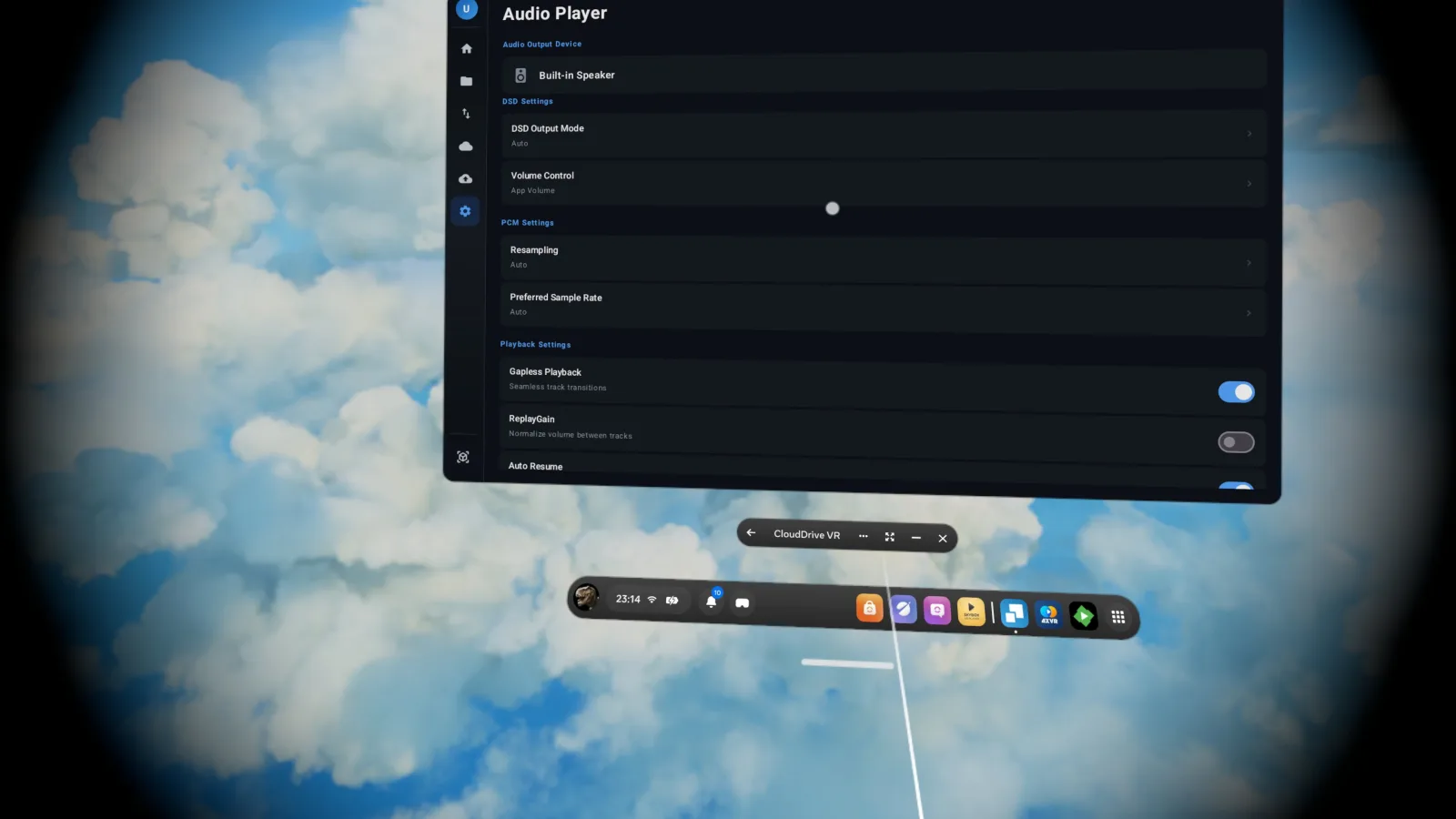
Gapless playback, ReplayGain and CUE sheets are all supported. In cinema mode, 5.1 and 7.1 content becomes head-tracked spatial audio, so the soundstage stays with the screen when you turn your head.
- DSD64 → DSD1024
- DoP · Native DSD
- SACD ISO
- CUE sheets
- Head-tracked spatial audio
AI subtitle translation
Generate translated subtitles for any video. CloudDrive VR translates the existing subtitle track first — including PGS bitmap subtitles read by OCR — and falls back to speech recognition only when there is none. Generated subtitles are saved next to the video, so the work you do once in the headset is there on your phone and your Mac too.
On Quest, bring your own translation API for the best results. There are no platform translation models in the headset to fall back on.
Everything about AI subtitle translation
- Bring your own API
- PGS OCR
- Saved for reuse
A multi-gigabyte PDF, open in seconds
The streaming PDF reader never pulls the whole book down. It fetches only the byte range the pages on screen actually need, so a multi-gigabyte art book typically goes from open to first page in seconds — no waiting for a download, and no complete copy left on the headset.
The reader is a panel like any other, at whatever size and distance suits you. Turning pages, zooming and jumping through the outline all fetch on demand, with page thumbnails, bookmarks and reading-position memory.
- Fetches pages on demand
- No full download
- Bookmarks and position
More
The rest of what you'll use daily
Emby and Jellyfin client
Connect your own Emby or Jellyfin servers and browse libraries with posters, cast and Continue Watching, all inside the headset. When your CloudDrive can reach the same file, Direct Stream plays it straight from the cloud at full quality — including formats servers can't transcode — while watch history stays in sync.
On the server side there is also an Emby and Jellyfin companion plugin: live library updates, playback-aware prefetch, and path mappings that configure themselves.
Or launched from another app
CloudDrive VR also registers through the Android intent API, so Jellyfin, Emby and other media servers can hand playback straight to it. Resume position syncs back to the server, and remote Blu-ray ISO streams are detected automatically.
Controllers and hands
Drive the interface with controllers or hand tracking. Thumbstick seeking accelerates exponentially and shows a thumbnail preview, so finding a scene takes one pass.
Transfers and backup
Copy or move files between providers, with transfers you can pause and resume. Automated backup tasks run on a schedule, and whole folders upload recursively — the headset keeps them going while you watch something else.
Security
Two-factor authentication, encrypted folders and active session monitoring, with API tokens that grant scoped, expiring access.
A WebDAV server of its own
Your Quest headset is itself a WebDAV server: every cloud you have connected is served over a standard protocol, so third-party apps on the same network — players, file managers, backup tools — read your cloud content directly without signing in to each provider again.
2D window and immersive mode
Ordinary videos play in a 2D window; VR material switches to immersive mode with one click, and back again just as fast.
Get it
How to install
The app is still in alpha and is not on the Meta store yet.
- Meta Horizon StoreComing soon
- All download optionsEvery platform
Cloud management, file browsing, uploads, downloads and ordinary video, audio and image playback need no extra purchase. HDR and Dolby Vision, DSD playback (native DSD, DoP or converted to PCM alike), Blu-ray and DVD ISO playback, AI subtitle translation, the Emby and Jellyfin media client, and the VR video modes — 360, VR180, fisheye, EAC, passthrough and 3D SBS/OU — are Pro features, and free users get a 10-second demo of each.
They unlock exactly as they do everywhere else: with the one-time App Pro in-app purchase. App Pro is tied to your CloudDrive account rather than to a device or a store — buy it on an iPhone, a Mac or an Android phone, then sign in on the headset with the same account and it is already unlocked. See plans and pricing.
Everything on this page is what the app does today. CloudDrive2 is under active development, and what cloud providers and platforms allow changes too, so features can change or be withdrawn without notice.
Feature requests and bug reports are genuinely welcome — they are how the next release gets decided. Best filed as GitHub issues, where they stay on the record; you can also write to waytechcloudfs@gmail.com or join the Telegram group.