Apple TV
Your cloud media center on Apple TV
Connect every cloud and stream movies, shows and music straight to the big screen: Blu-ray ISOs with HDMV menus, Dolby Vision and Dolby Atmos, and lossless music up to DSD1024. No downloads, no NAS required.
- True Dolby Vision P7 FEL
- HDMV disc menus
- Dolby Atmos
- DSD1024 · SACD ISO
- Direct Stream
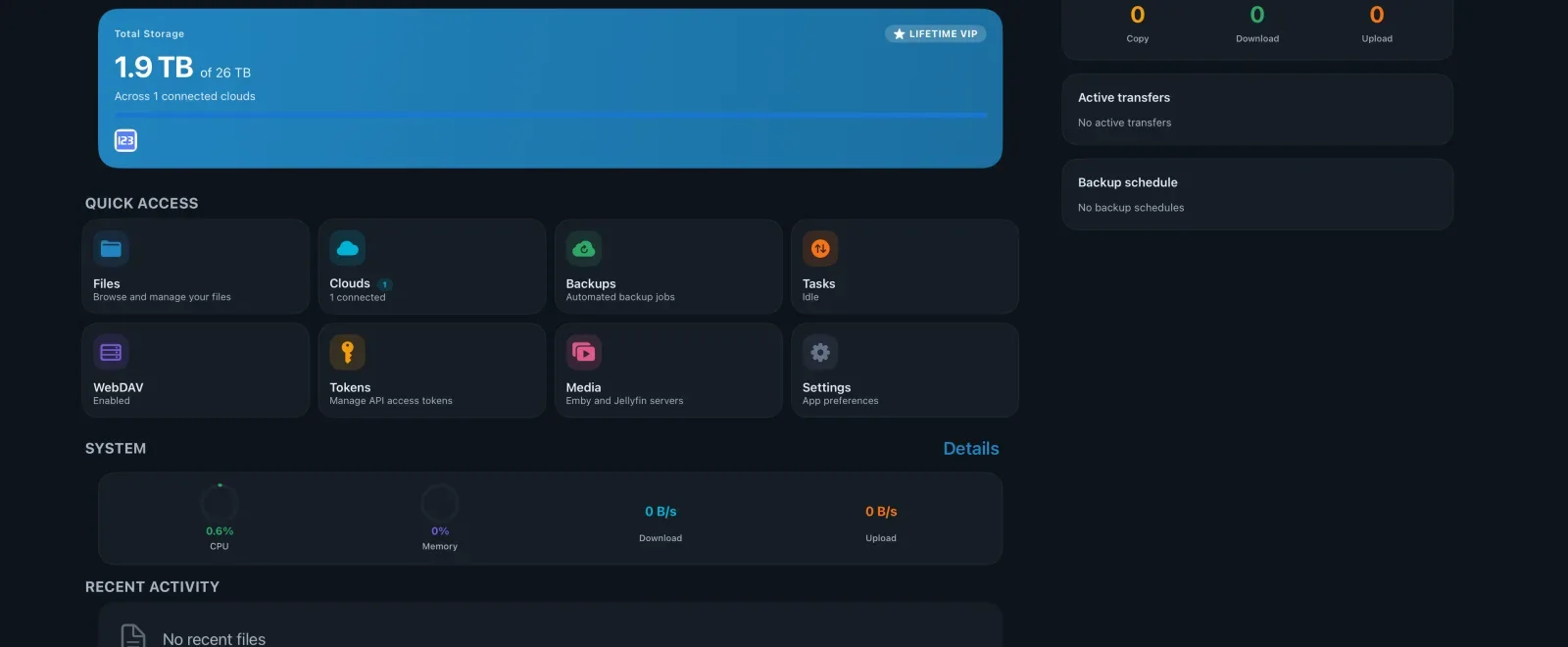
Media
Cinema-grade playback, straight from the cloud
A 60 GB disc image never has to be downloaded first, and you don't need a NAS to serve it. The player reads from the cloud, and decoding, menus, audio tracks and subtitles all come with it.
Cinema-grade playback and Blu-ray ISOs
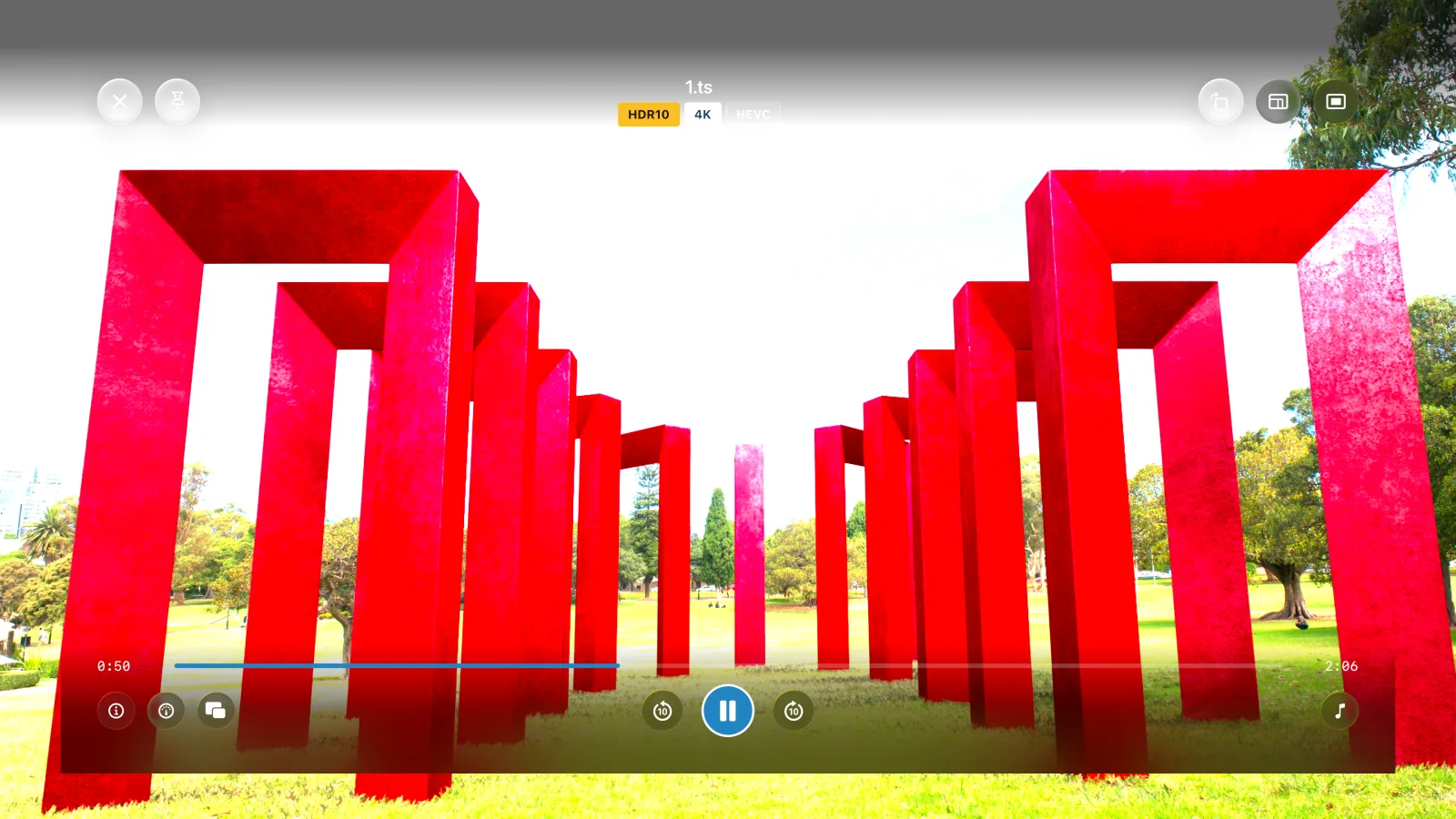
Hardware-accelerated H.264, H.265/HEVC and AV1 decoding with HDR10, HDR10+ output signalling and Dolby Vision — including Dolby Vision playback of Profile 7 Blu-ray content, full enhancement layer (FEL) included. Frame-rate matching keeps motion judder-free, the scrubber shows thumbnail previews, and playback resumes where you left off.
A Profile 7 disc carries two picture layers. CloudDrive2 reads both and composes the enhancement layer into the final picture, full enhancement layer (FEL) sources included — what you get is the complete dual-layer Dolby Vision picture, not a base-layer-only render and not an HDR10 fallback.
Blu-ray ISOs play directly from cloud storage and open the native disc menu: scene selection, coloured shortcut keys on the remote, in-menu audio and subtitle setup, and 2D+3D combo discs.
Disc menus cover HDMV discs. On Apple TV a BD-J (Java) disc plays the main feature directly; for BD-J menus, use Windows, the macOS direct download, Android or Meta Quest.
- Dolby Vision P5 / 7 / 8
- HDR10+ · frame-rate match
- HDMV menus
- 2D + 3D combo discs
Subtitles done right
SRT, ASS/SSA, VTT and PGS bitmap subtitles, with styling, per-track delay and HDR brightness control.
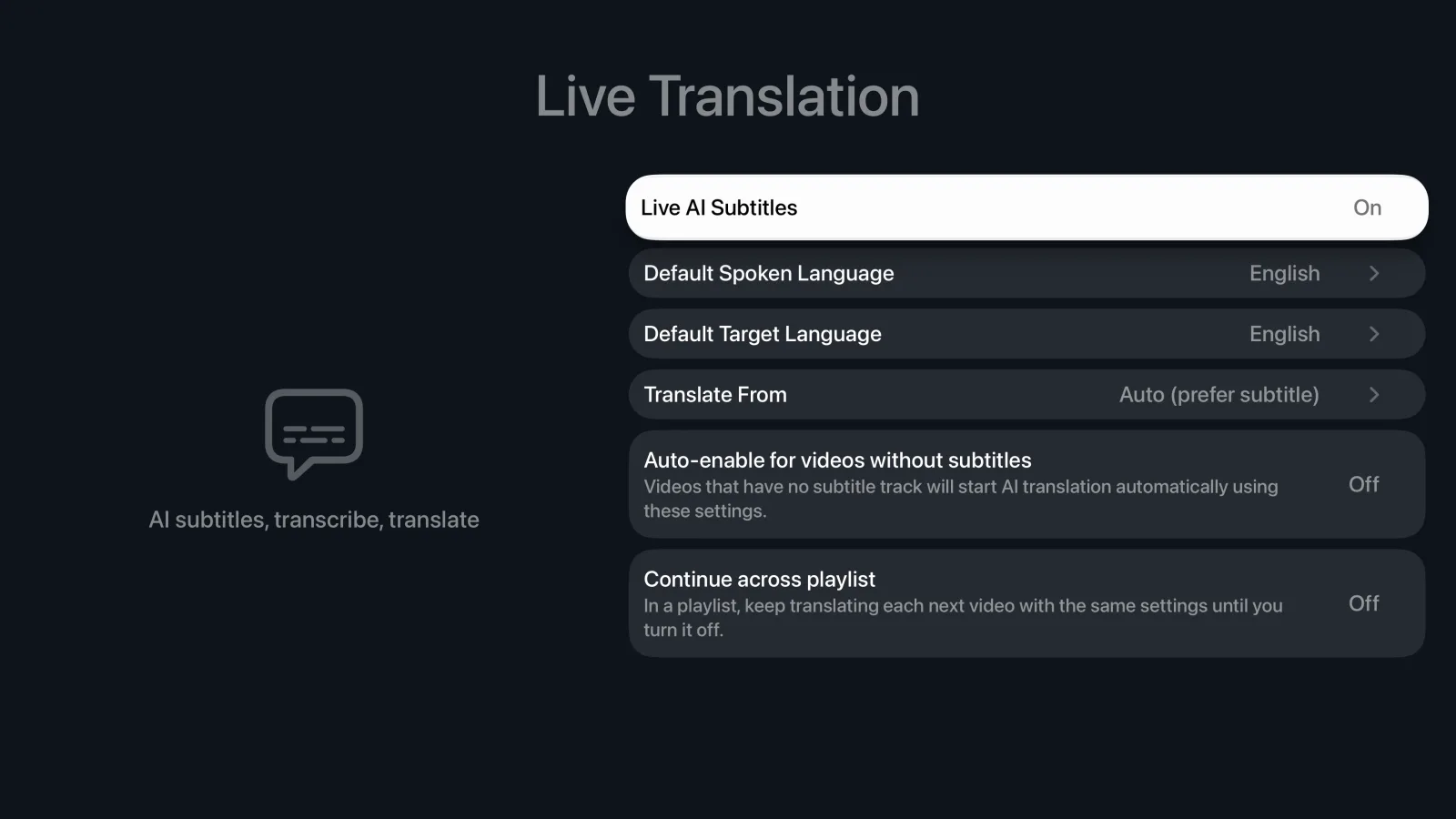
AI subtitle translation on Apple TV runs through your own API. The easier route is to generate the subtitles on your iPhone or Mac first — they are saved next to the video in your cloud, so Apple TV picks them up when you open the same file and nothing has to be re-run on the TV.
tvOS has no Apple on-device translation models, so AI subtitles here require your own API; use the on-device models on iPhone, iPad or Mac.
Everything about AI subtitle translation
- Bring your own API
- Reused across devices
- PGS bitmap subtitles
- HDR subtitle brightness
Lossless music, Dolby Atmos and multichannel surround
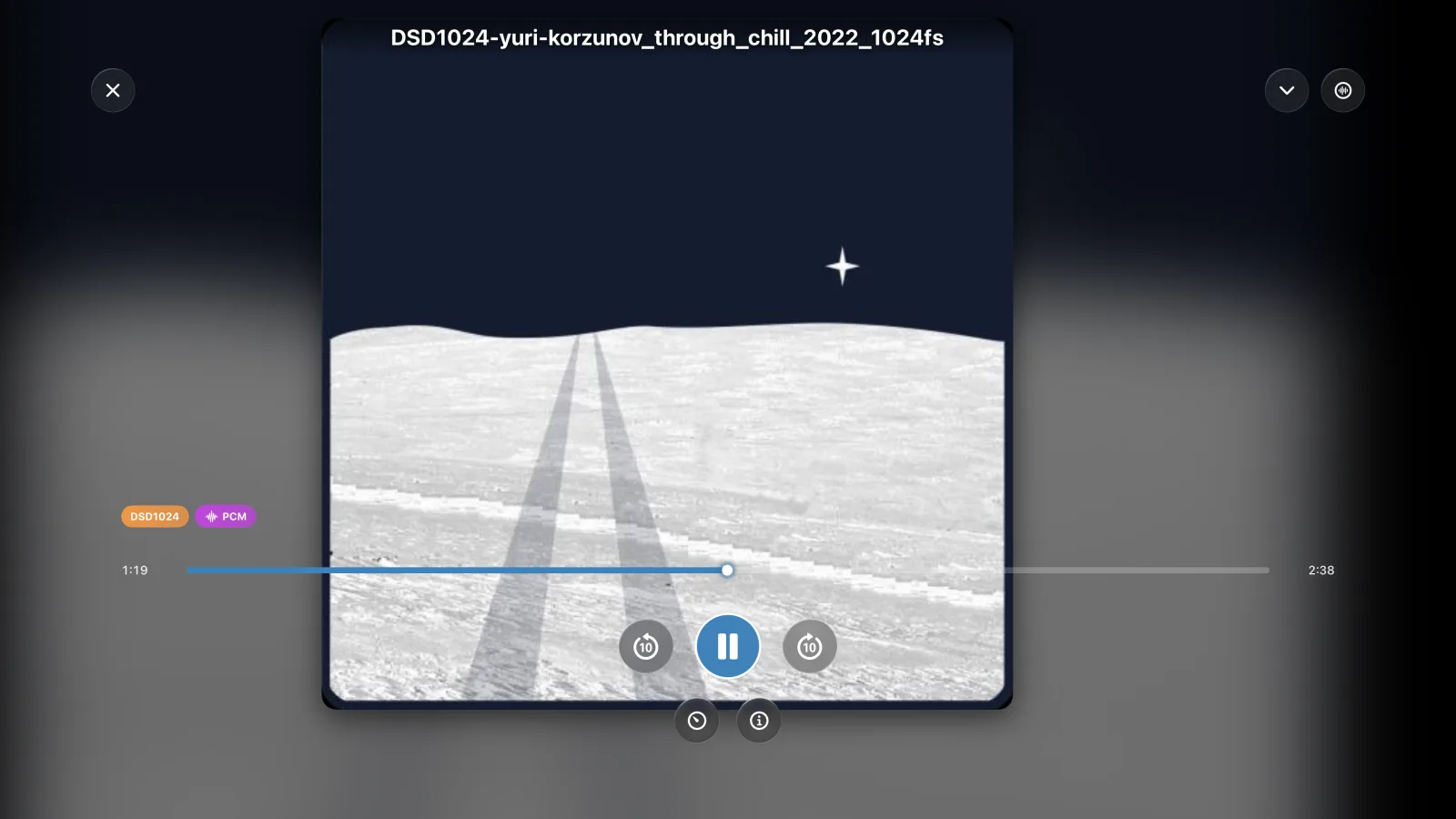
A full audio player on your Apple TV: FLAC, WAV, ALAC, APE, DSD up to DSD1024 and SACD ISO playback. Album artwork, gapless playback and background audio — music keeps playing while you browse, with Now Playing controls on your remote.
Dolby Atmos (Dolby Digital Plus) bitstreams straight to your AVR or soundbar over HDMI. TrueHD, DTS-HD Master Audio and DTS decode in full and go out over HDMI as 5.1 or 7.1 — never folded down to stereo. Multichannel DSD does the same: 5.1 SACD ISO, .dsf and .dff play in true surround through your receiver. The full surround mix is always preserved, so AirPods Pro and Max get head-tracked spatial audio and stereo setups get a proper ITU-R BS.775 downmix.
DSD64 through DSD1024 are all supported. How far DoP and Native DSD actually go is set by the DAC you connect — the app outputs to what the DAC itself reports, and anything beyond that is converted to PCM.
- DSD64 → DSD1024
- SACD ISO
- Atmos bitstream
- Background playback
A multi-gigabyte PDF, open in seconds
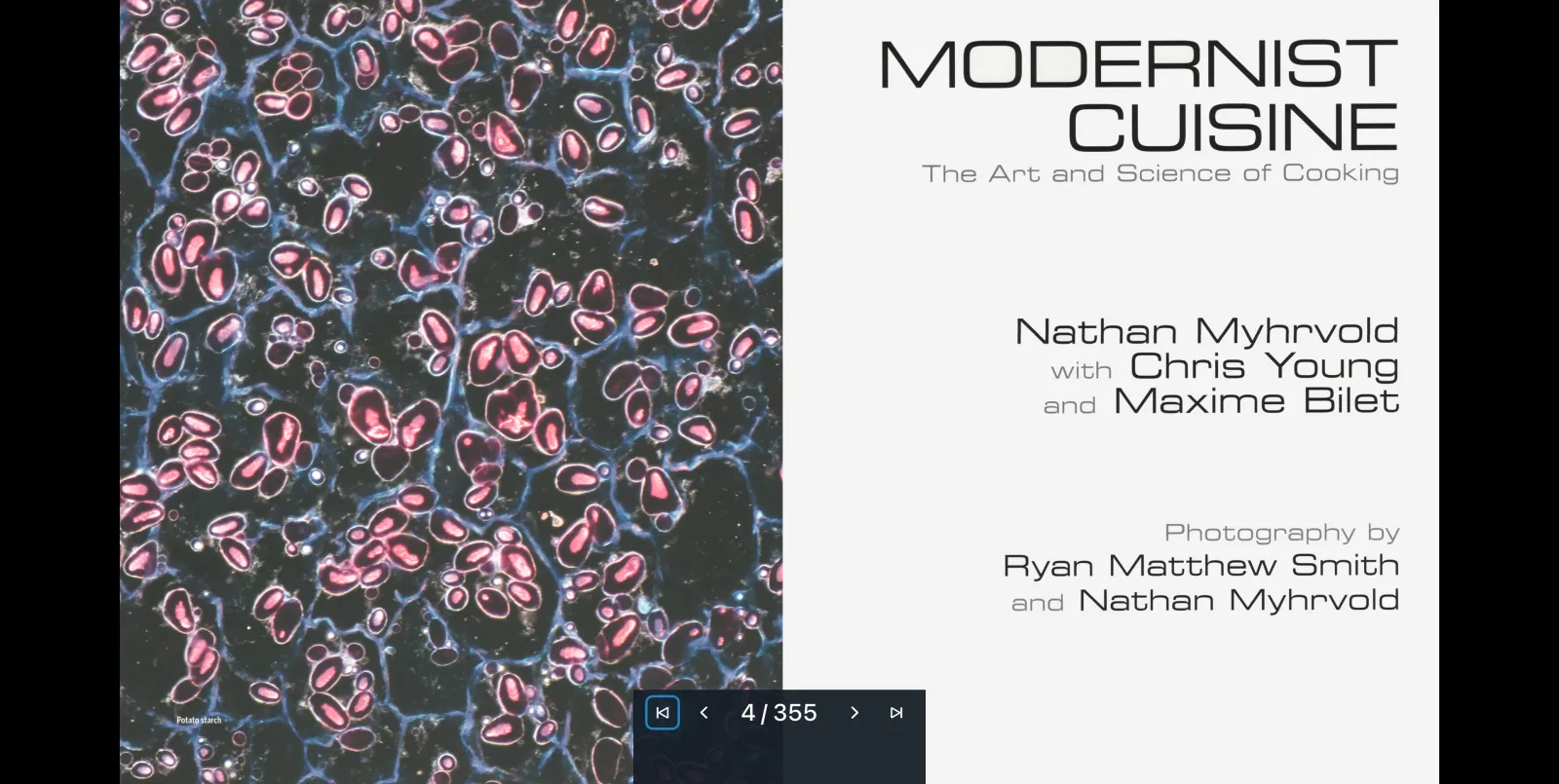
The streaming PDF reader never pulls the whole book down. It fetches only the byte range the pages on screen actually need, so a multi-gigabyte art book typically goes from click to first page in seconds — no waiting for a download, and no complete copy left on the Apple TV.
You read it full-screen, with paging and jumps adapted to the remote and everything fetched on demand, and your reading position is remembered so the next time you open it you carry on from the same page.
- Fetches pages on demand
- No full download
- Remote-friendly
More
The rest of what you'll use daily
Cloud media center
Google Drive, OneDrive, Aliyun Drive, Baidu Pan, 115, S3, WebDAV and more, all in one place. Browse them from the couch with a TV interface built for the Siri Remote: grid and list views, thumbnail previews and fast navigation through folders with thousands of files.
Emby and Jellyfin client
Connect your own Emby or Jellyfin servers and browse libraries with posters, cast and Continue Watching. When your CloudDrive can reach the same file, Direct Stream plays it straight from the cloud, bypassing the server transcoder, with watch history kept in sync.
On the server side there is also an Emby and Jellyfin companion plugin: live library updates, playback-aware prefetch, and path mappings that configure themselves.
Movie library metadata
Reads your local .nfo files and poster artwork in Plex, Jellyfin and Emby naming for a rich, private library — no online scraping.
Security
Sign in with your CloudDrive account; two-factor authentication and active session monitoring keep your data safe, and API tokens grant scoped, expiring access.
A WebDAV server of its own
Your Apple TV is itself a WebDAV server: every cloud you have connected is served over a standard protocol, so third-party apps on the same network — players, file managers, backup tools — read your cloud content directly without signing in to each provider again.
And these
Grid and list views a click apart, thumbnail seek preview and resume playback, Now Playing controls on the remote, dark and light themes, English and Chinese interfaces.
Get it
How to install
Browsing clouds, managing files and basic playback need no extra purchase. The advanced playback features — HDR and Dolby Vision, DSD, ISO disc playback (Blu-ray, DVD and SACD), AI subtitle translation and the media client (Emby and Jellyfin) — need the one-time App Pro in-app purchase, listed at USD $19.99 in every store. App Pro is tied to your CloudDrive account, not to a device or a store. Buy it once and it is unlocked wherever you sign in with that account — iPhone, iPad, Mac, Apple TV, Vision Pro, Android and Meta Quest alike. See plans and pricing.
Everything on this page is what the app does today. CloudDrive2 is under active development, and what cloud providers and platforms allow changes too, so features can change or be withdrawn without notice.
Feature requests and bug reports are genuinely welcome — they are how the next release gets decided. Best filed as GitHub issues, where they stay on the record; you can also write to waytechcloudfs@gmail.com or join the Telegram group.