Apple Vision Pro
Your private cinema, worn on your head
Stream 180°/360° VR, Apple Spatial video, MVC 3D Blu-ray, Dolby Vision, DSD up to DSD1024 and huge PDFs straight from your cloud — no downloads.
- 180° / 360° VR
- Apple Spatial video
- MVC 3D Blu-ray
- 8K AV1
- Head-locked subtitles
Clouds
Unified cloud management
Every cloud you own, in one space
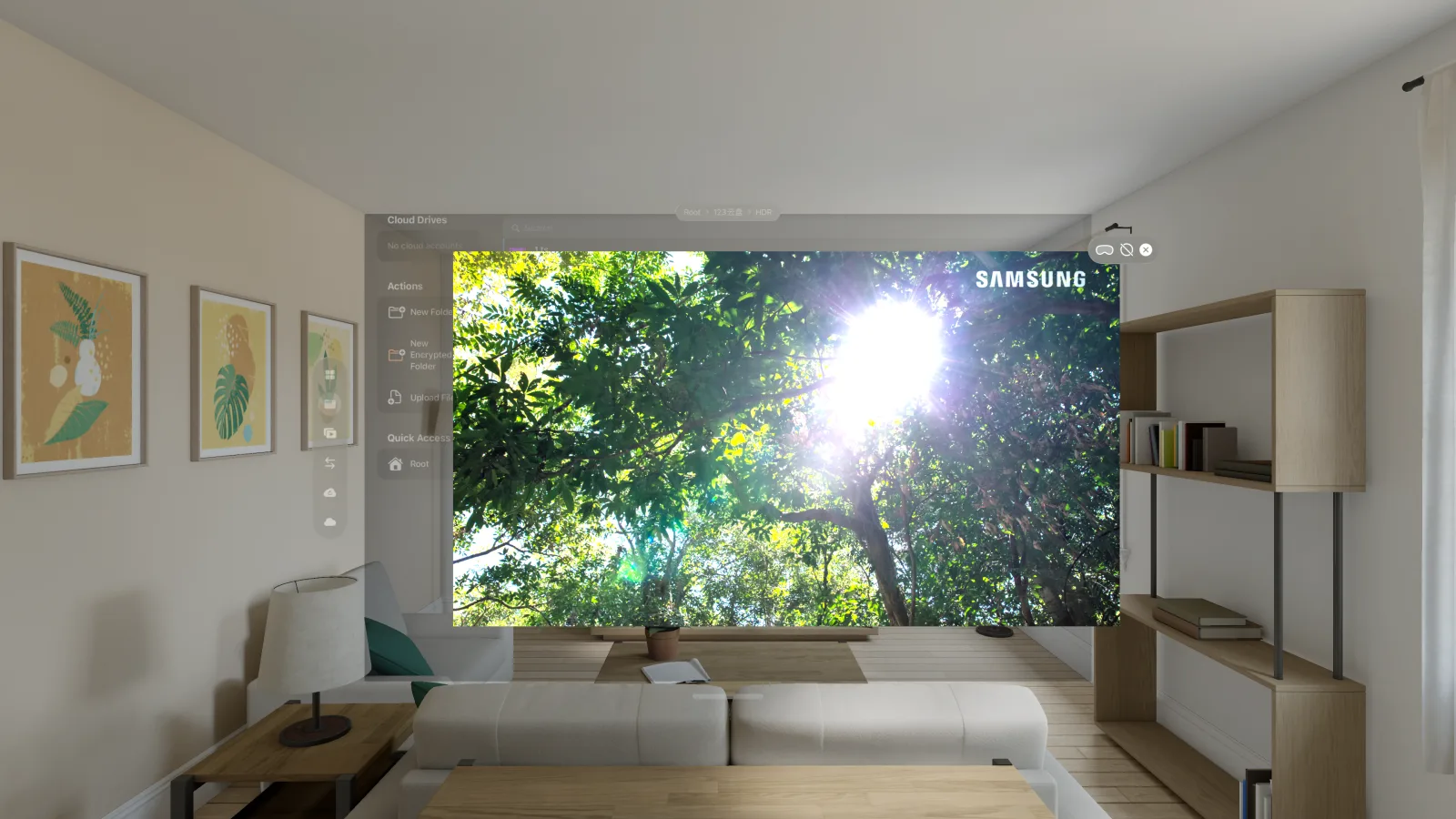
Google Drive, OneDrive, Aliyun Drive, Baidu Pan, 115, S3, WebDAV, SFTP, FTP, SMB and more, all connected in one place. Browse, search, copy, move, rename and organise files across clouds; cross-cloud transfers pause and resume, and automated backup tasks, recursive folder upload and a streaming PDF reader are in the same app.
A full File Provider extension puts your cloud files inside the visionOS Files app and any app that uses the document picker. Lay the windows out side by side and sort files while a movie keeps playing.
- Search across clouds
- S3 · WebDAV · SMB
- File Provider
Media
From flat movies to fully immersive VR
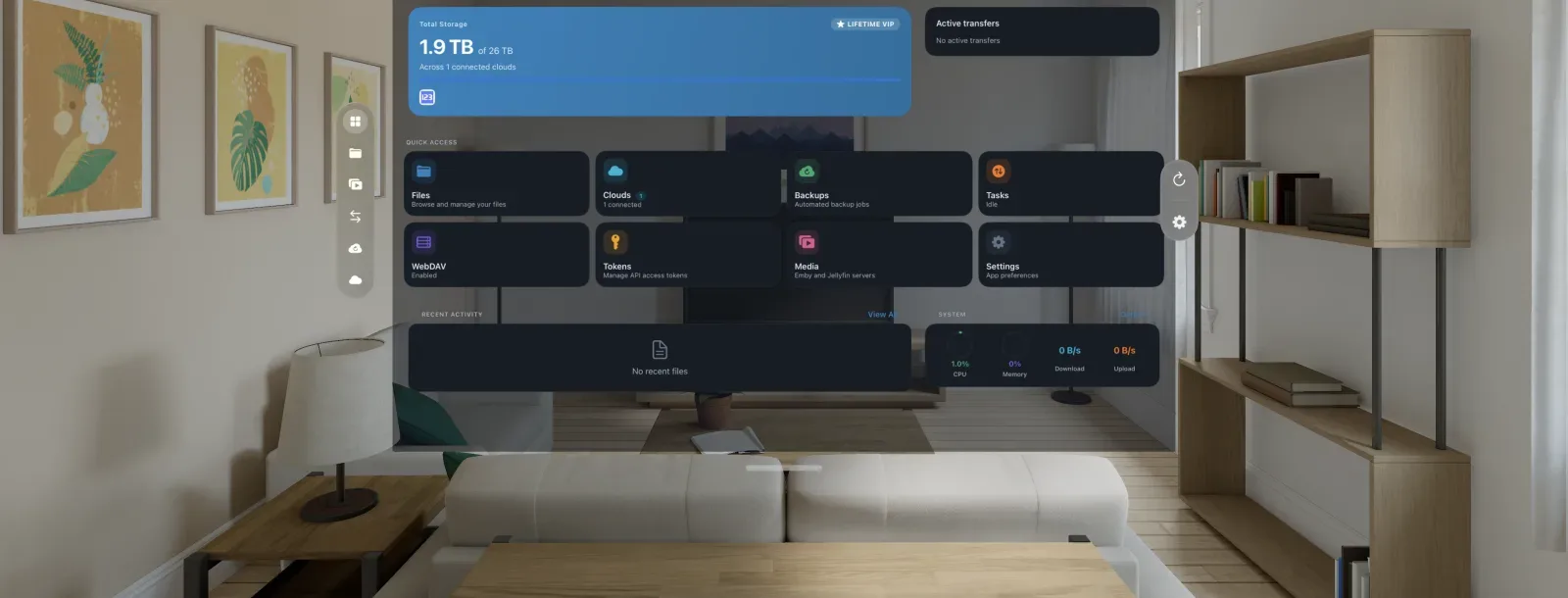
A 60 GB disc image never has to come down first. The player reads from the cloud, and decoding, menus, audio tracks and subtitles all come with it.
In an immersive space you can watch 180° and 360° VR video, Apple Spatial (MV-HEVC) video, side-by-side and over-under stereo 3D, fisheye and EAC cubemap content, with passthrough for comfort. Head-locked subtitles follow your view; in VR video they also take on the depth of the picture automatically, so your eyes never have to refocus between the text and the scene. Flat video has no depth to follow, so its subtitles stay on the screen plane.
Cinema-grade flat playback and Blu-ray ISOs
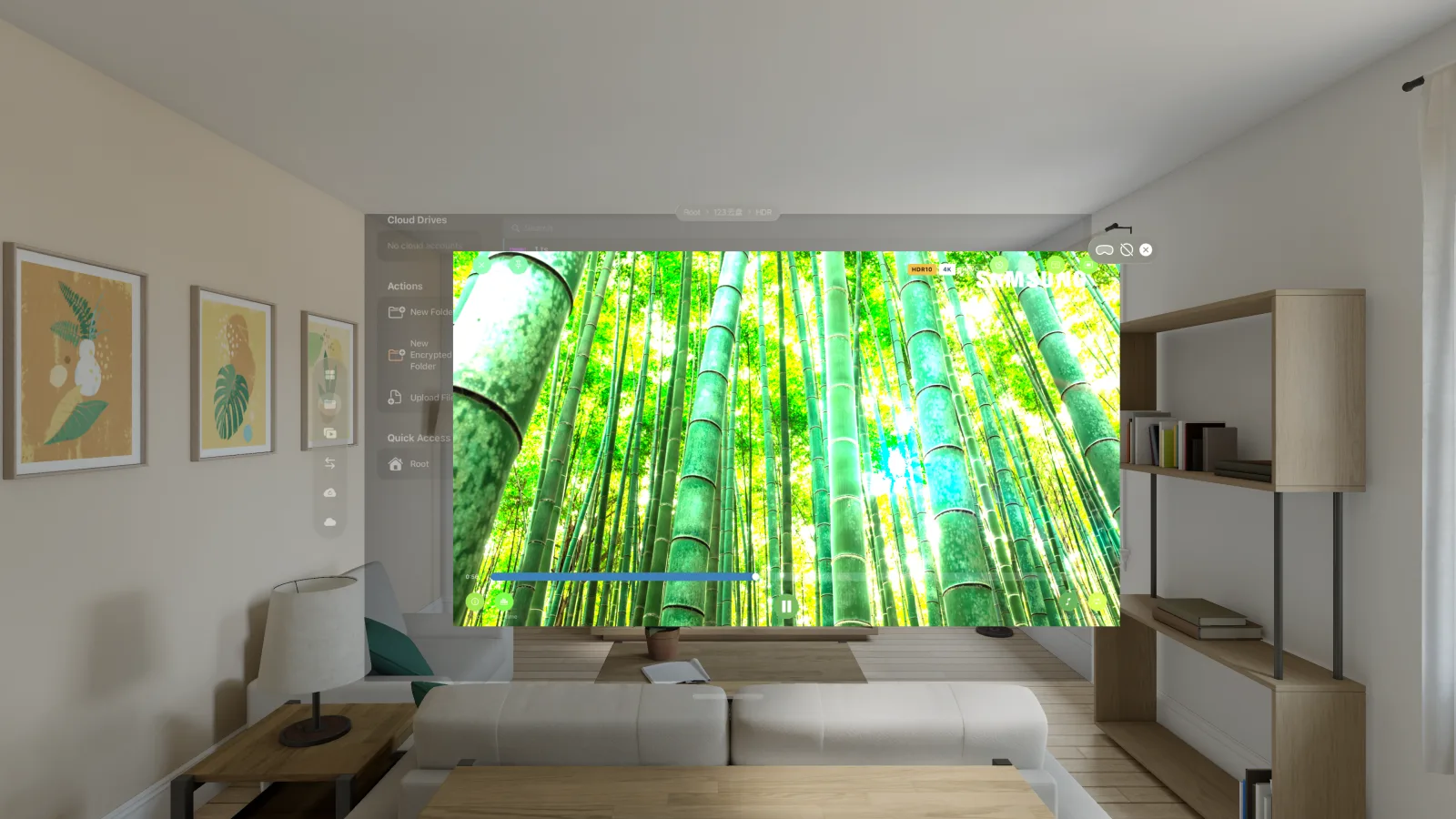
H.264, H.265/HEVC and AV1 — including real-time 8K AV1 playback — with HDR10, HDR10+ and Dolby Vision, including Dolby Vision playback of Profile 7 Blu-ray content, full enhancement layer (FEL) included. Make the screen as large as you like; wherever you sit, you are sitting in the middle.
A Profile 7 disc carries two picture layers. CloudDrive2 reads both and composes the enhancement layer into the final picture, full enhancement layer (FEL) sources included — what you get is the complete dual-layer Dolby Vision picture, not a base-layer-only render and not an HDR10 fallback.
Play a Blu-ray ISO straight from cloud storage and navigate the native disc menu: scene selection, coloured shortcut keys, in-menu audio and subtitle setup, even 2D+3D combo discs. MVC 3D Blu-ray inside an ISO decodes both eye streams natively and stays stereoscopic across seeks, chapters and clip changes.
Disc menus cover HDMV discs. On Vision Pro a BD-J (Java) disc plays the main feature directly; for BD-J menus, use Windows, the macOS direct download, Android or Meta Quest.
- 8K AV1
- Dolby Vision P5 / 7 / 8
- HDMV menus
- MVC 3D Blu-ray
AI subtitle translation
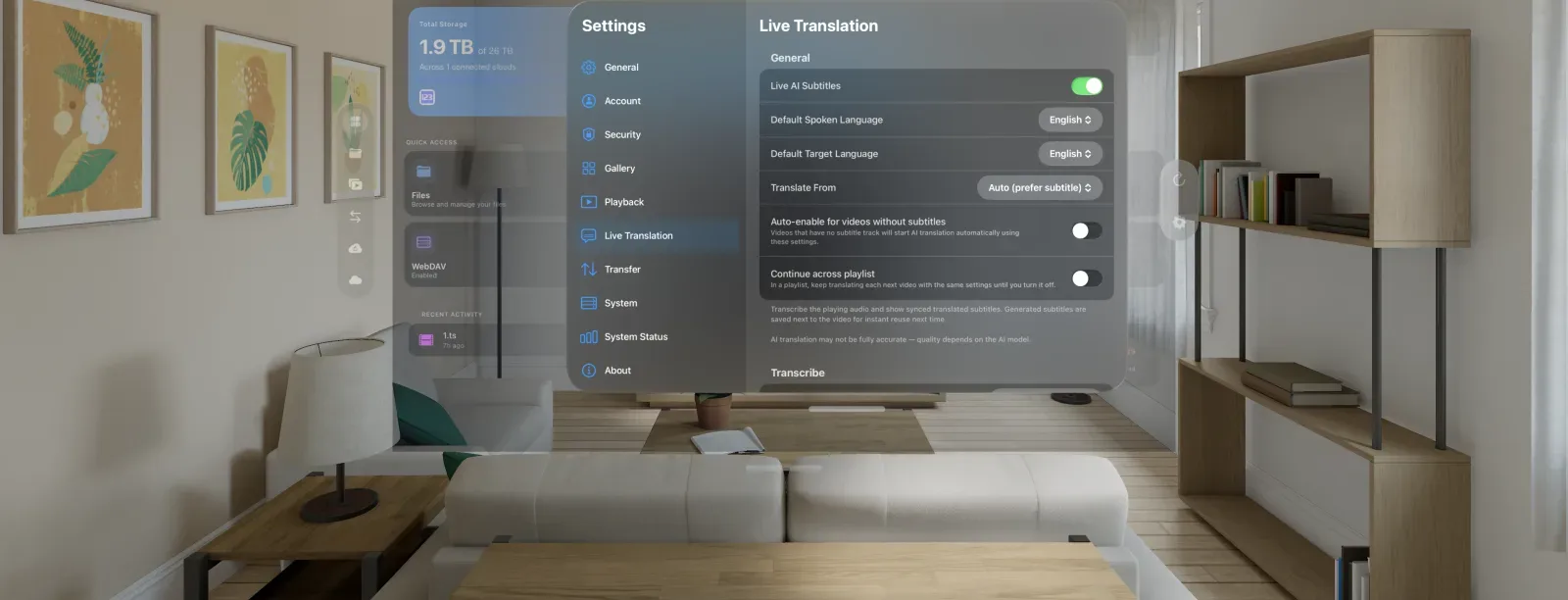
Generate translated subtitles for any video. CloudDrive2 translates the existing subtitle track first — including PGS bitmap subtitles read by on-device OCR — and falls back to speech recognition only when there is none. Use Apple's on-device translation models, which are free and keep the audio on your device, or bring your own API.
Generated subtitles are saved next to the video, ready to reuse on your other devices, and they follow your view in immersive mode too.
Everything about AI subtitle translation
- Apple on-device models
- PGS OCR
- Saved for reuse
Multichannel and audiophile-grade audio
Dolby Atmos, TrueHD, DTS-HD Master Audio and DTS soundtracks decode in full 5.1 or 7.1 and render as head-tracked spatial audio — the whole surround bed placed around you, never a stereo fold-down. It works through Vision Pro's own audio and with AirPods Pro and Max.
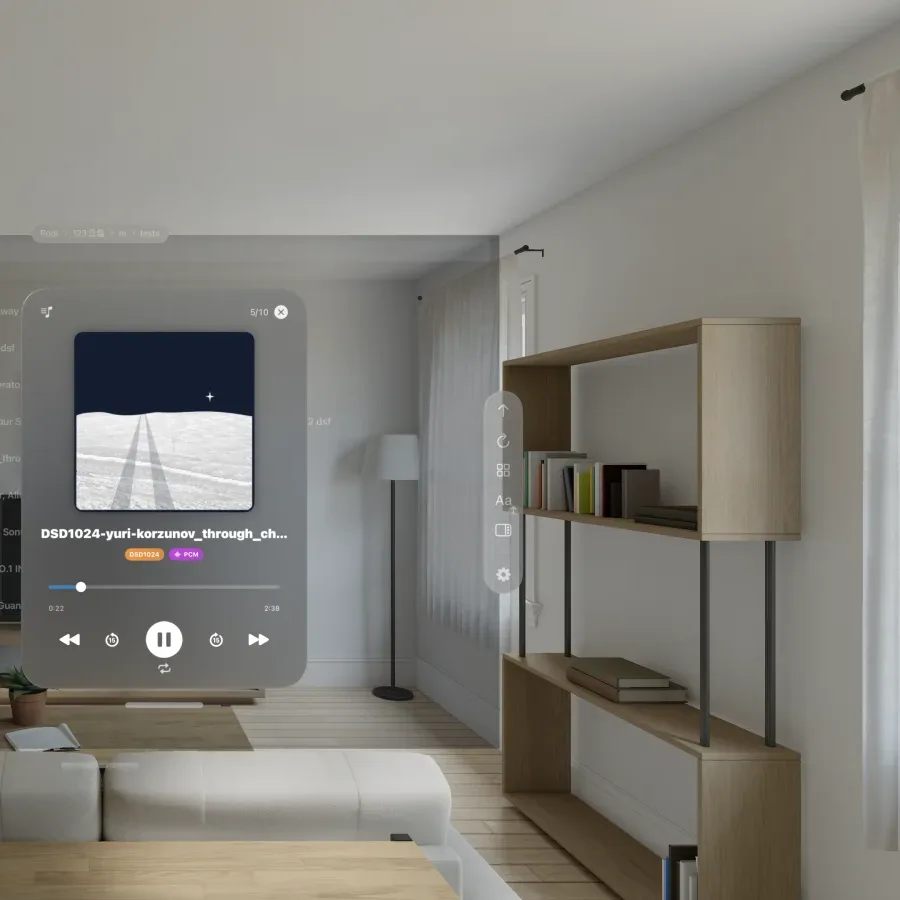
Multichannel DSD does the same: 5.1 SACD ISO, .dsf and .dff play in true surround. Plus FLAC, WAV and ALAC, and DSD playback up to DSD1024 with DoP output.
DSD64 through DSD1024 are all supported. How far DoP and Native DSD actually go is set by the DAC you connect — the app outputs to what the DAC itself reports, and anything beyond that is converted to PCM.
- DSD64 → DSD1024
- Multichannel SACD ISO
- TrueHD · DTS-HD MA
- Head-tracked spatial audio
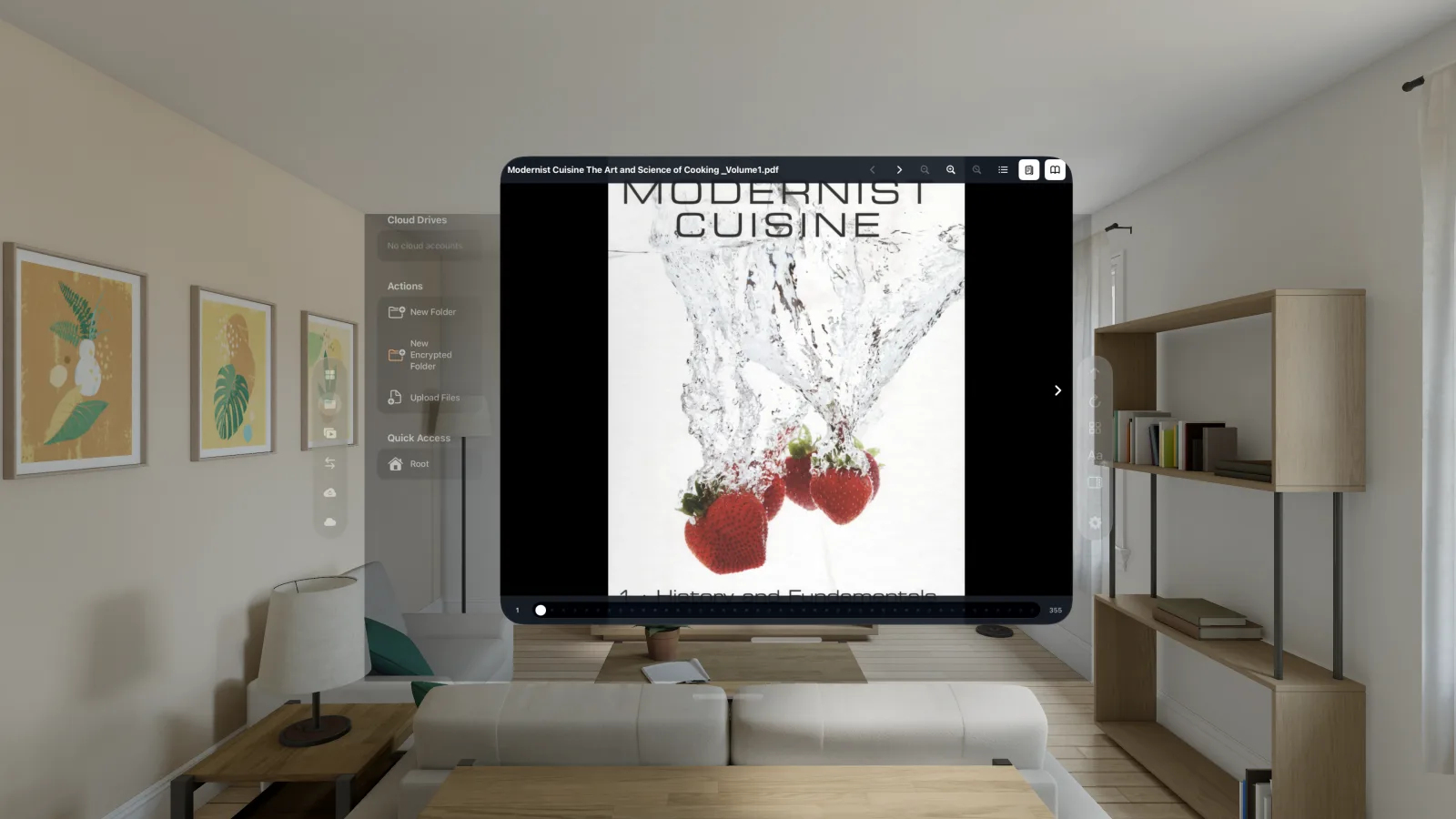
A multi-gigabyte PDF, open in seconds
The streaming PDF reader never pulls the whole book down. It fetches only the byte range the pages on screen actually need, so a multi-gigabyte art book typically goes from tap to first page in seconds — no waiting for a download, and no complete copy left behind.
The reader panel floats in your space alongside everything else, at whatever size suits you. Turning pages, zooming and jumping through the outline all fetch on demand, with page thumbnails, bookmarks and reading-position memory.
- Fetches pages on demand
- No full download
- Floating panel
- Bookmarks and position
Backup
Photos and files, backed up on their own
Back up the photos, videos and files on this Vision Pro to one or more clouds. The source has to be added as a local folder first before a backup can use it.
-
Add the local folder
On the Cloud Storages page, click Add Cloud Storage and pick Local Folder under Local Storages. The photo library is at
/Documents/Photos— pick that for photos and videos only, or its parent/Documentsto take the app’s other files along with them. You are asked for photo library permission the first time. -
Create the backup
On the Backups page, click Add Backup, set the source to the local folder you just added, and name one or more cloud directories as destinations — several clouds at once is fine.
-
Turn on File System Watcher
Enable it in the backup's settings and it monitors the source folder in real time, so new photos, new videos and newly saved files are backed up on their own.
Create an encrypted folder on the cloud first and choose it as the destination: photos and files are encrypted on the device before upload, and what the provider stores is ciphertext with no way to read the originals. The password stays on the device and is never synced to our servers.
The photo library is read on demand: an original is pulled from the system library only when the backup uploads it and released straight afterwards, so the library is never duplicated into the app’s own storage. Full steps are on the help page.
More
The rest of what you'll use daily
Emby and Jellyfin client
Connect your own Emby or Jellyfin servers and browse libraries with posters, cast and Continue Watching. When your CloudDrive can reach the same file, Direct Stream plays it straight from the cloud at full quality — including formats servers can't transcode — while watch history stays in sync.
On the server side there is also an Emby and Jellyfin companion plugin: live library updates, playback-aware prefetch, and path mappings that configure themselves.
Immersive formats supported
180° and 360° VR video, Apple Spatial (MV-HEVC) video, side-by-side and over-under stereo 3D, fisheye, EAC cubemap, and MVC 3D Blu-ray from an ISO. Passthrough stays available while you watch.
Cross-cloud transfers
Copy or move files between providers, with transfers you can pause and resume, and whole folders upload recursively. Backup is above.
Security
Two-factor authentication, encrypted folders and active session monitoring, with API tokens that grant scoped, expiring access.
A WebDAV server of its own
Your Vision Pro is itself a WebDAV server: every cloud you have connected is served over a standard protocol, so third-party apps on the same network — players, file managers, backup tools — read your cloud content directly without signing in to each provider again.
And these
Library metadata from local .nfo files and artwork in Plex, Jellyfin and Emby naming (no online scraping), disk cache with configurable eviction, independent audio and subtitle delay, dark and light themes, English and Chinese interfaces.
Get it
How to install
Browsing clouds, managing files and basic playback need no extra purchase. HDR and Dolby Vision, DSD, ISO disc playback (Blu-ray, DVD and SACD), AI subtitle translation, the media client (Emby and Jellyfin), and VR video playback of every kind (VR180, 360, fisheye, EAC, 3D SBS/OU) — all need the one-time App Pro in-app purchase, listed at USD $19.99 in every store. App Pro is tied to your CloudDrive account, not to a device or a store. Buy it once and it is unlocked wherever you sign in with that account — iPhone, iPad, Mac, Apple TV, Vision Pro, Android and Meta Quest alike. See plans and pricing.
Everything on this page is what the app does today. CloudDrive2 is under active development, and what cloud providers and platforms allow changes too, so features can change or be withdrawn without notice.
Feature requests and bug reports are genuinely welcome — they are how the next release gets decided. Best filed as GitHub issues, where they stay on the record; you can also write to waytechcloudfs@gmail.com or join the Telegram group.