Mac · Apple silicon and Intel
Every cloud you use, in one Mac app
Stream Blu-ray ISOs with HDMV menus, true Dolby Vision, DSD up to DSD1024 and huge PDFs straight from the cloud — no downloads. Plus an Emby/Jellyfin client and AI subtitle translation.
- True Dolby Vision P7 FEL
- HDMV disc menus
- DSD1024 · DoP
- On-device AI subtitles
- Finder integration
Clouds
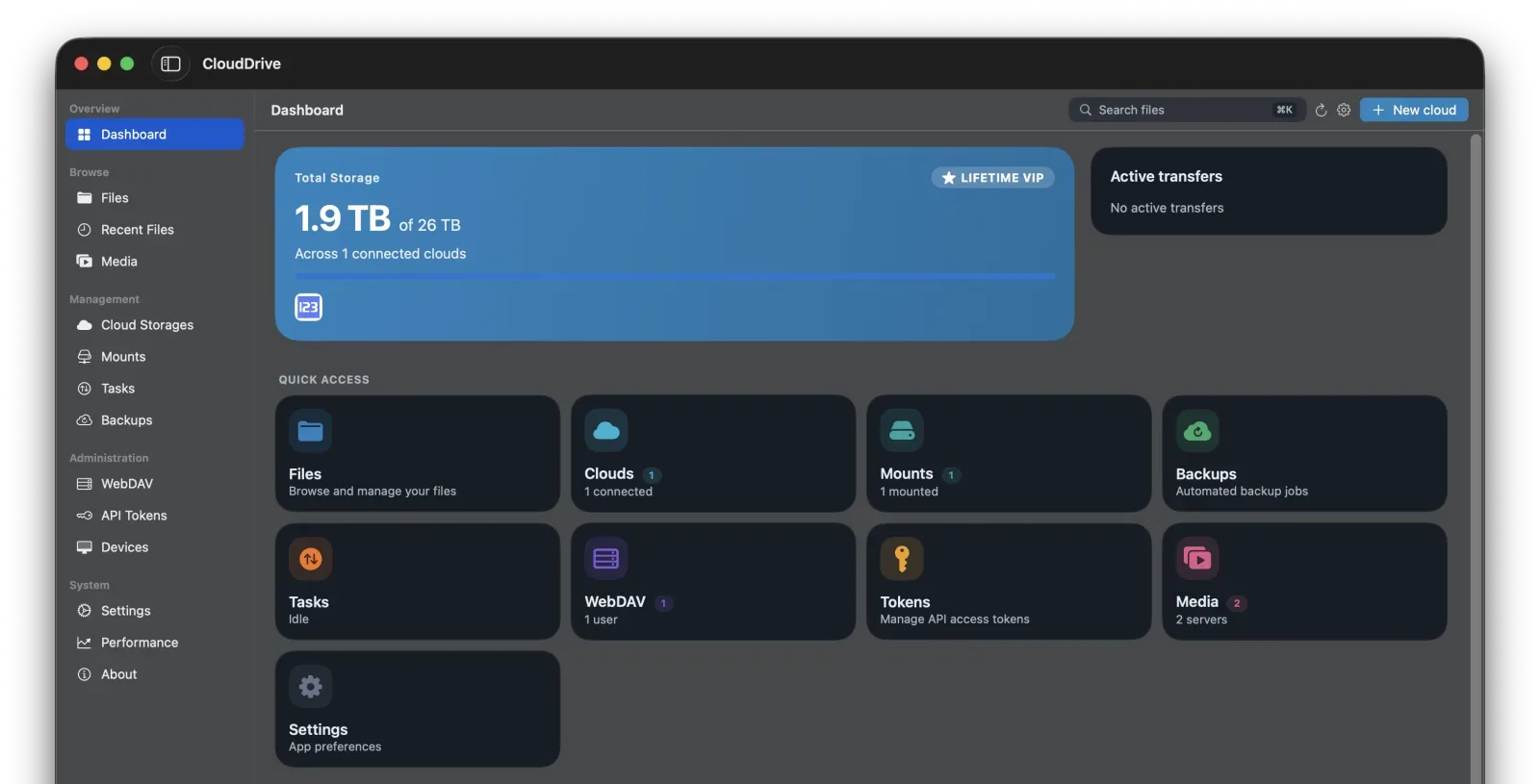
Unified cloud management
Connect every account in one place
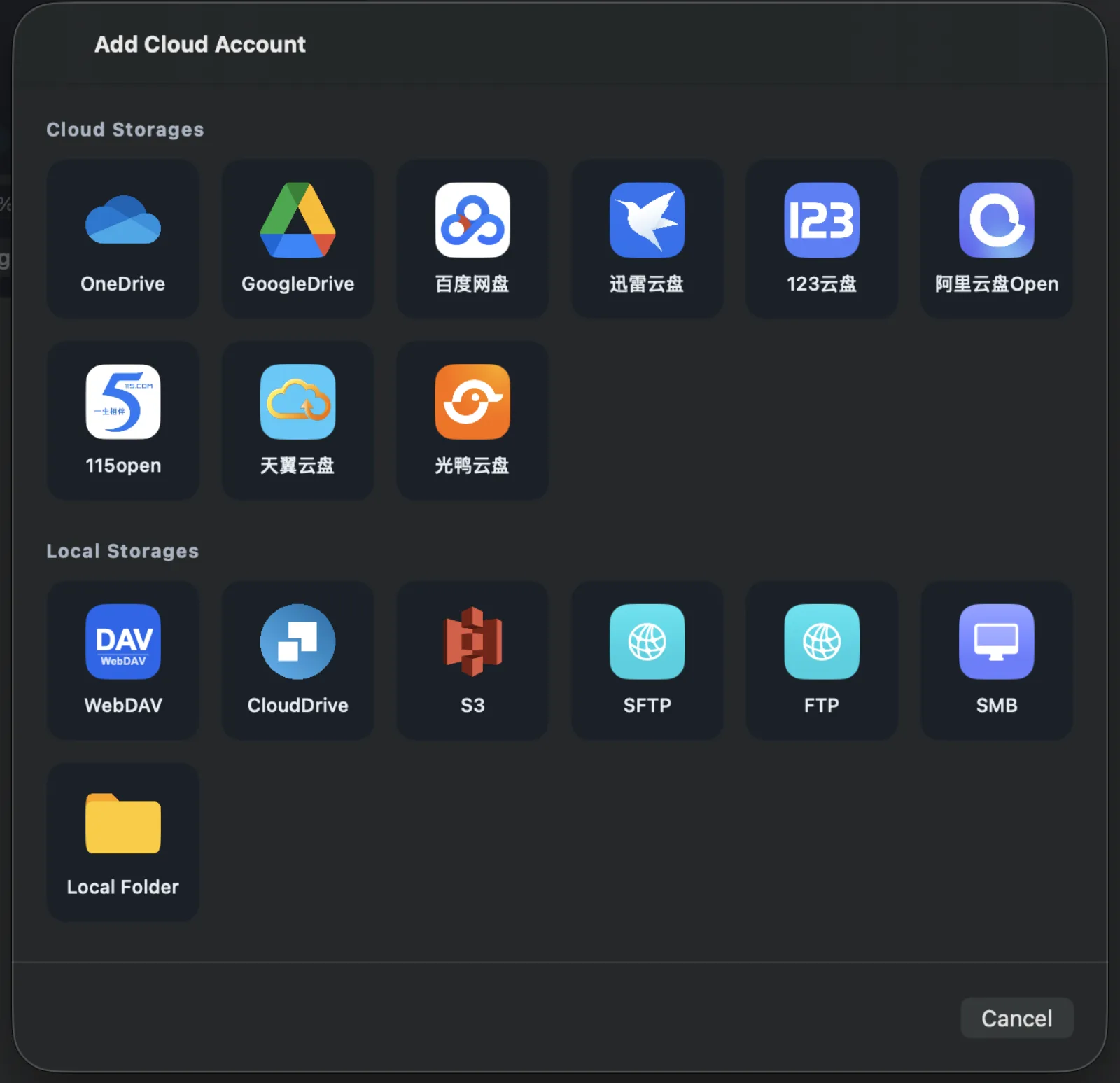
Google Drive, OneDrive, S3, Aliyun Drive, Baidu Pan, 115, WebDAV, SFTP, FTP, SMB and more, all in one app. Browse, search, copy, move, rename and organise files across clouds with an interface designed for the Mac: a Finder-style Columns view, sortable headers with inline filtering, a file inspector with inline preview, and drag-and-drop between any two clouds.
The direct-download build can also mount a cloud as a disk on your Mac, so you can browse it in the Finder like a local drive and open it from other apps and the command line.
Local mounting depends on macFUSE and ships only in the direct-download build; the App Store build runs fully sandboxed and does not include it. See the comparison below.
- Search across clouds
- Columns and inspector
- Drag between clouds
Media
Cinema-grade playback, straight from the cloud
A 60 GB disc image never has to come down to your drive. The player reads from the cloud, and decoding, menus, audio tracks and subtitles all come with it.
The built-in player, with Blu-ray ISO support
VideoToolbox-accelerated decoding of H.264, H.265/HEVC and AV1, with HDR10, HDR10+ and Dolby Vision — including Dolby Vision playback of Profile 7 Blu-ray content, full enhancement layer (FEL) included. Subtitles cover SRT, ASS/SSA, VTT and PGS, with per-track delay, styling and HDR brightness control. Movie info comes from your local .nfo files, posters and logo artwork.
A Profile 7 disc carries two picture layers. CloudDrive2 reads both and composes the enhancement layer into the final picture, full enhancement layer (FEL) sources included — what you get is the complete dual-layer Dolby Vision picture, not a base-layer-only render and not an HDR10 fallback.
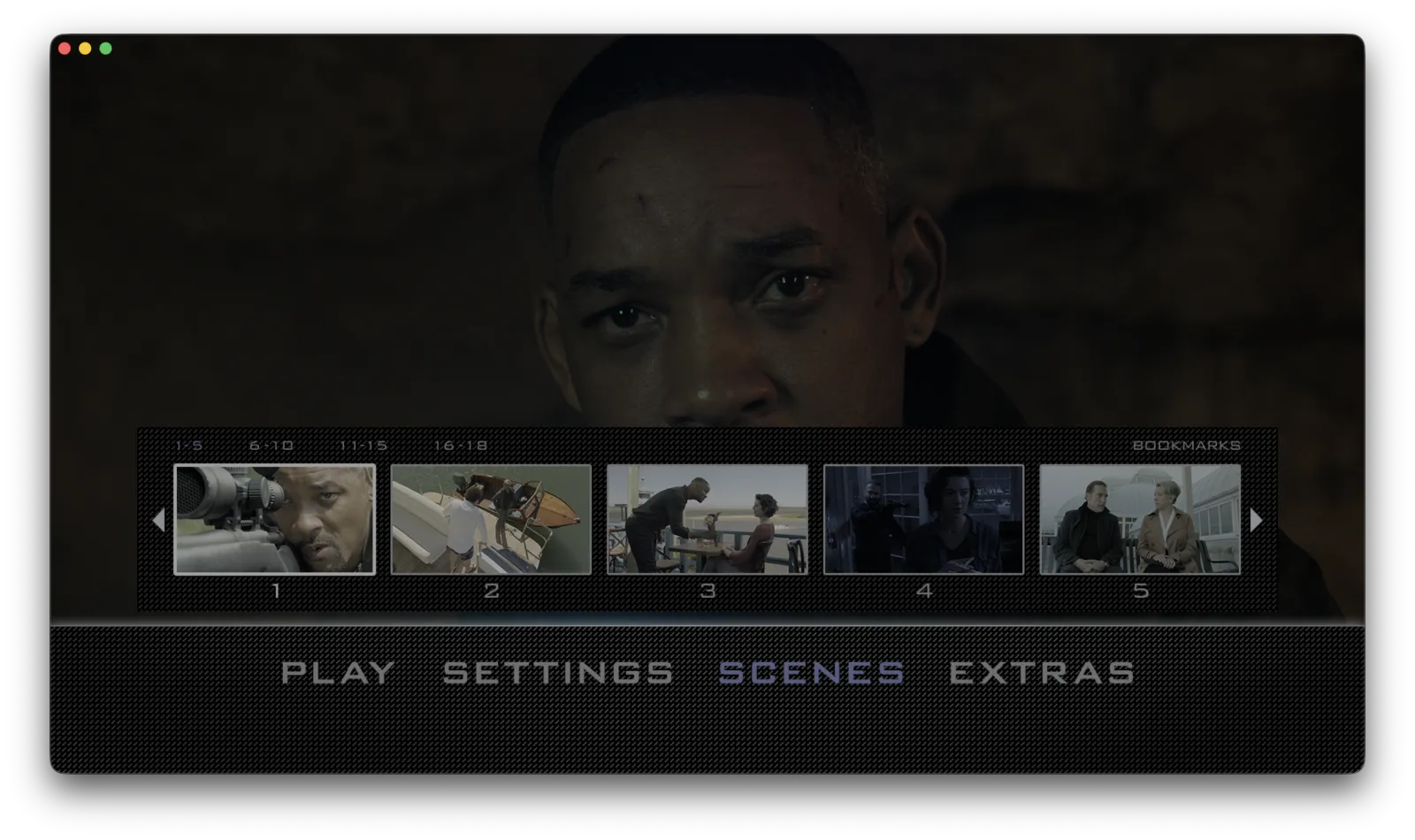
Blu-ray ISOs stream straight from cloud storage into the native disc menu: scene selection, coloured shortcut keys, in-menu audio and subtitle setup, 2D+3D combo discs and chapter navigation.
HDMV menus work in both builds. BD-J (Java) menus are in the direct download only; the App Store build plays a BD-J disc as the main feature. See the comparison below.
- Dolby Vision P5 / 7 / 8
- HDR10+ · HLG
- HDMV menus
- 2D + 3D combo discs
AI subtitle translation
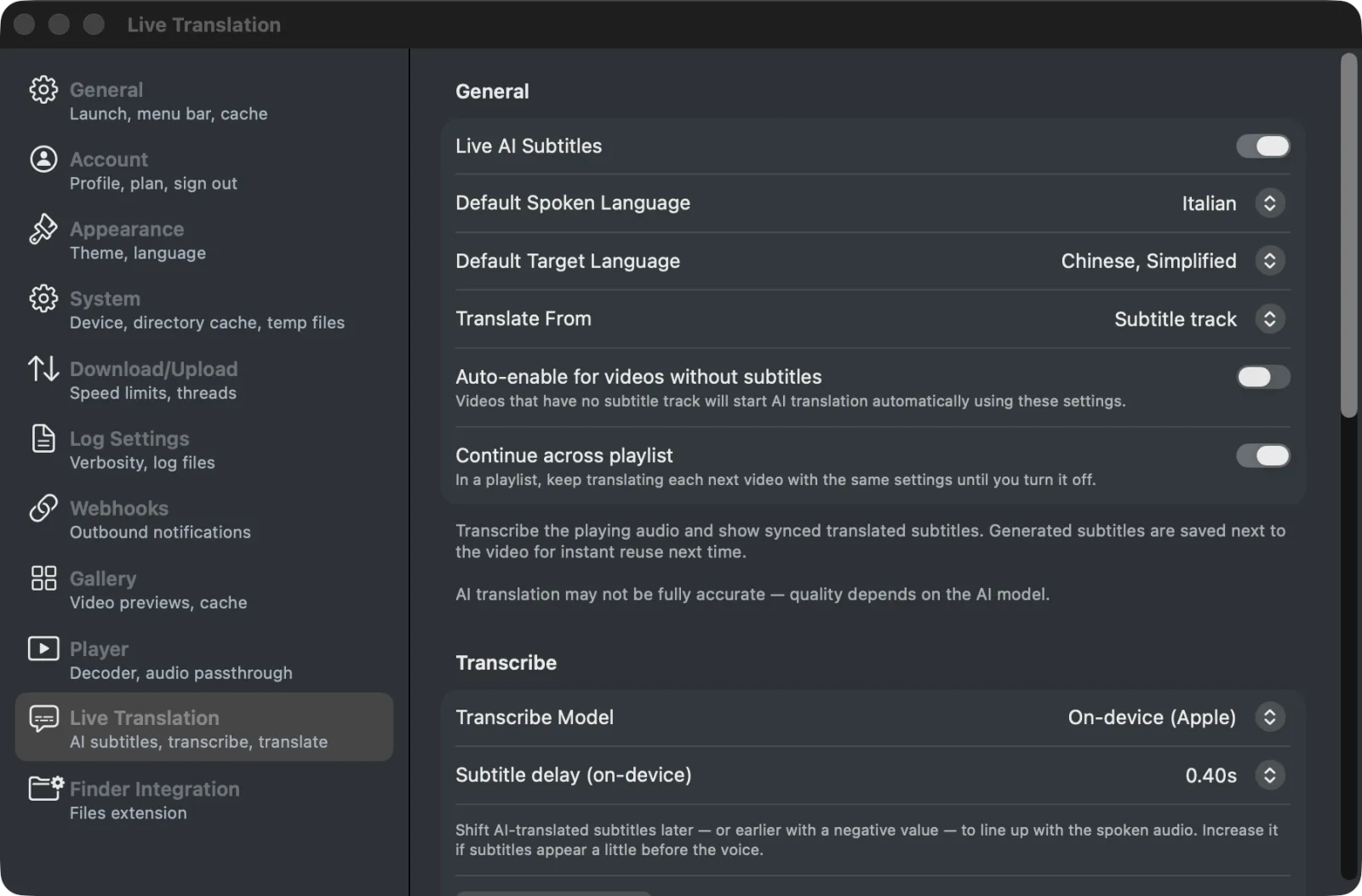
Generate translated subtitles for any video. CloudDrive2 translates the existing subtitle track first — including PGS bitmap subtitles read by on-device OCR — and falls back to speech recognition when there is none. Use Apple's on-device translation models, which are free and keep the audio on your Mac, or bring your own API. Subtitles are saved next to the video for reuse on your other devices, and whole folders can run in the background.
Everything about AI subtitle translation
- Apple on-device models
- PGS OCR
- Whole-folder batches
- Saved for reuse
Multichannel and Dolby Atmos
Dolby Atmos (Dolby Digital Plus) bitstreams to your AVR over HDMI. TrueHD, DTS-HD Master Audio and DTS decode in full and go out over HDMI or a multichannel USB DAC as 5.1 or 7.1 — never folded down to stereo. Multichannel DSD does the same: 5.1 SACD ISO, .dsf and .dff play in true surround.
Stereo outputs get a proper ITU-R BS.775 downmix, and AirPods Pro and Max get head-tracked spatial audio instead.
- Atmos bitstream
- TrueHD · DTS-HD MA
- 5.1 · 7.1, no downmix
- Spatial audio
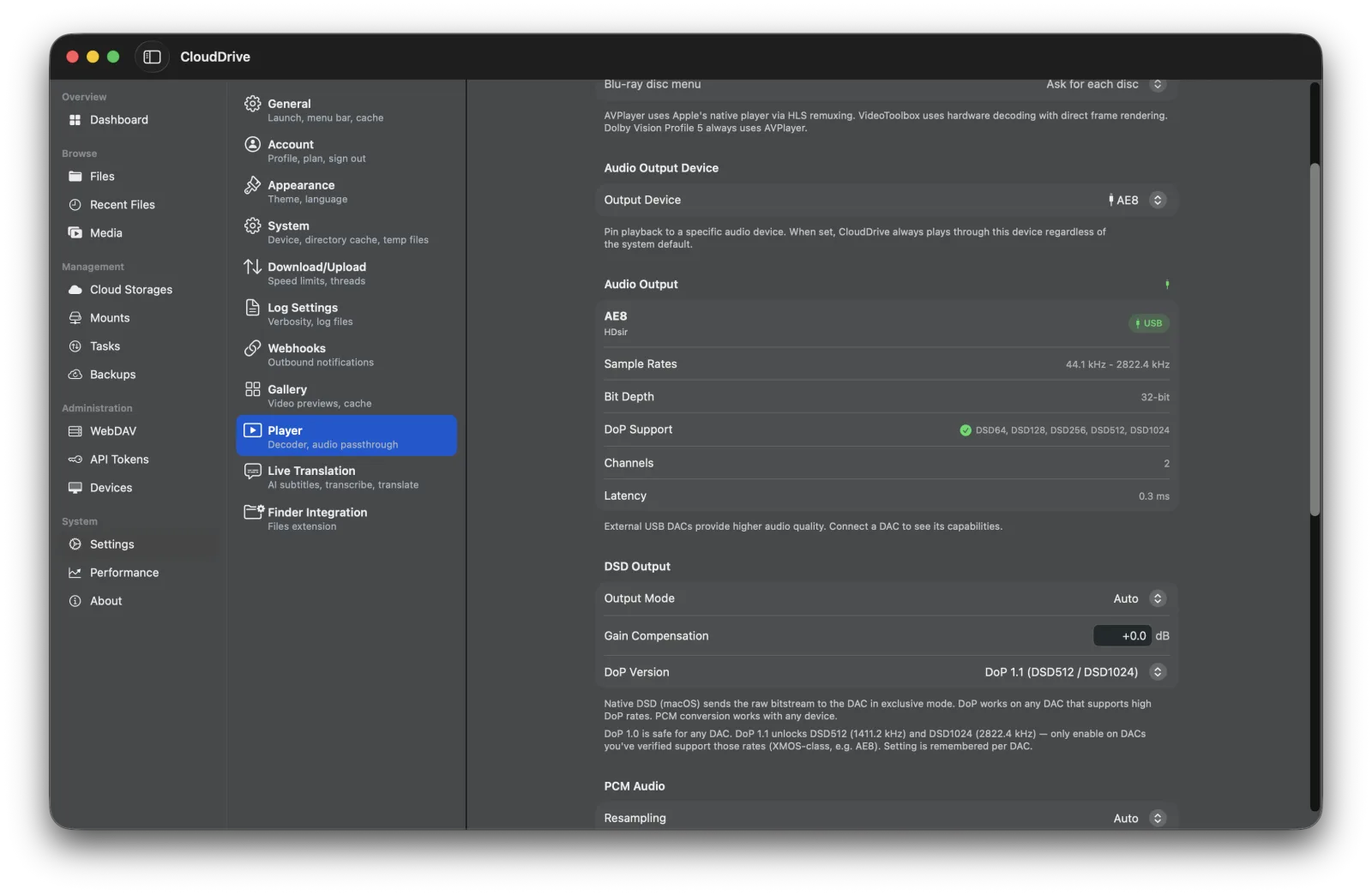
Audiophile playback
DSD up to DSD1024, plus SACD ISO, FLAC, WAV, ALAC and 25+ other formats. DoP output and per-device output pinning deliver a bit-perfect signal to your USB DAC, with gapless transitions, a persistent audio player window and pitch-corrected variable speed.
Native DSD over USB needs the direct-download build; the App Store build sends DSD over DoP, which is equally bit-perfect.
DSD64 through DSD1024 are all supported. How far DoP and Native DSD actually go is set by the DAC you connect — the app outputs to what the DAC itself reports, and anything beyond that is converted to PCM.
- DSD64 → DSD1024
- SACD ISO
- Bit-perfect DoP
- Gapless
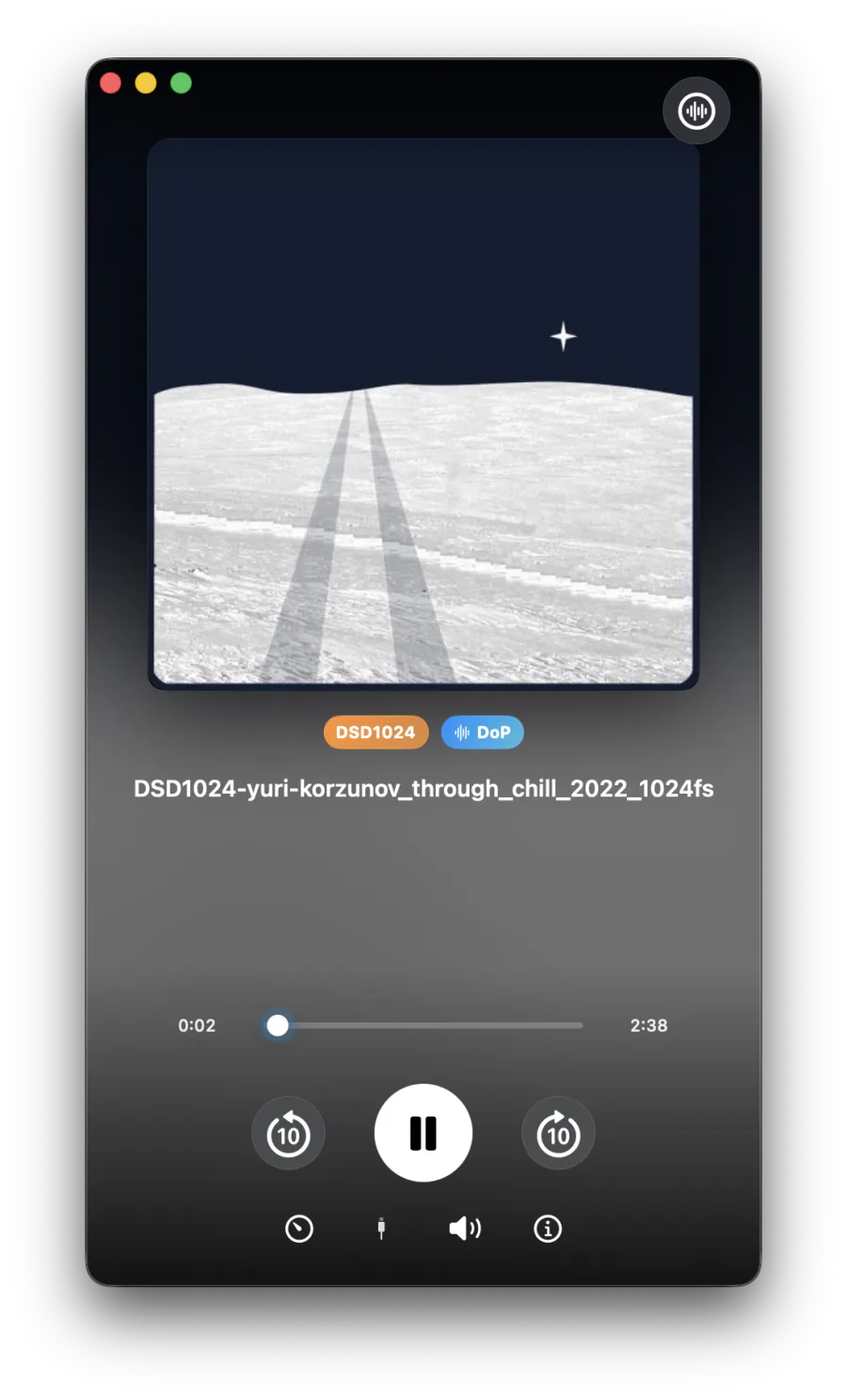
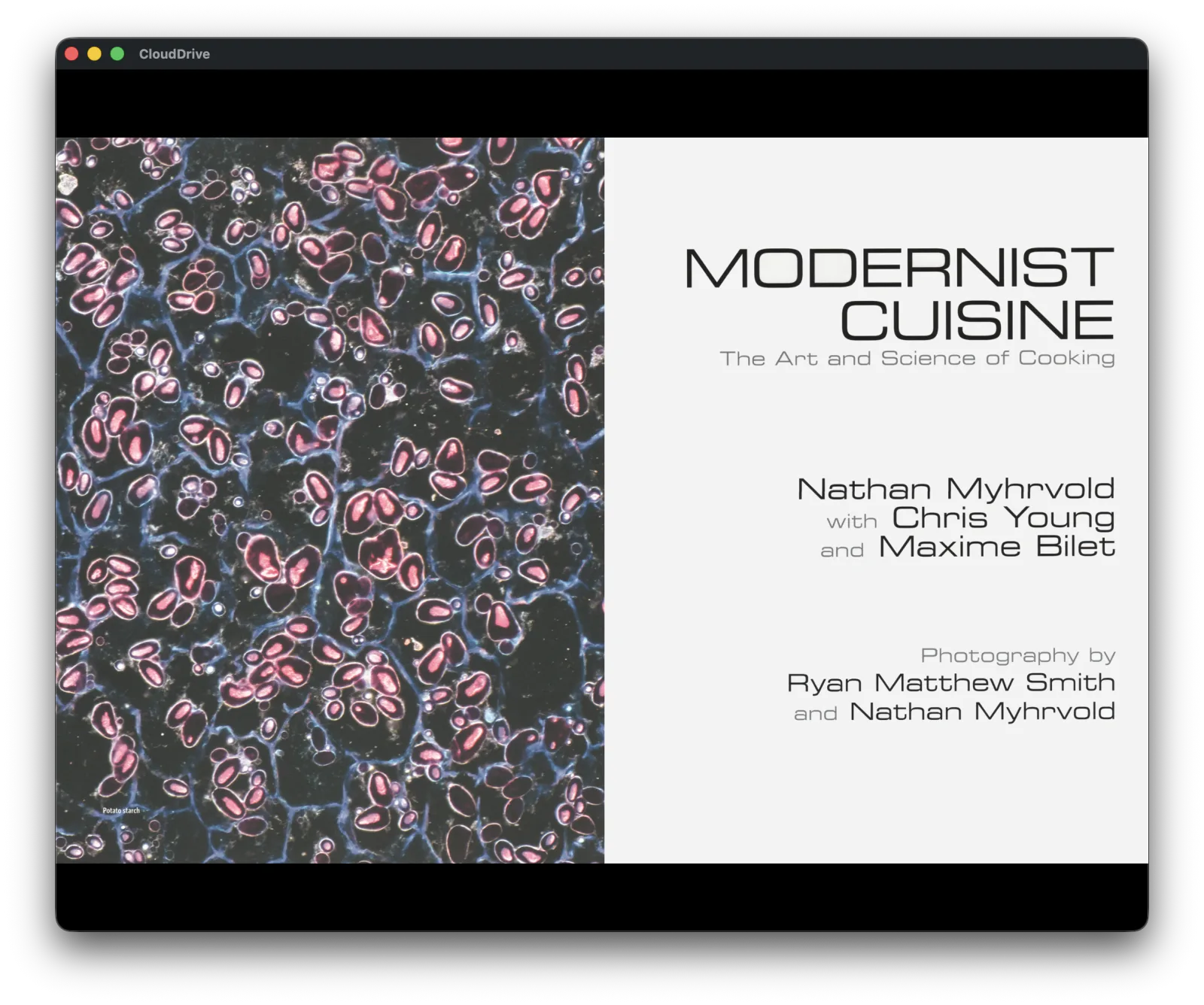
A multi-gigabyte PDF, open in seconds
The streaming PDF reader never pulls the whole book down. It fetches only the byte range the pages on screen actually need, so a multi-gigabyte art book typically goes from double-click to first page in seconds — no waiting for a download, and no complete copy left on your disk.
The reader opens in a standalone window. Turning pages, zooming and jumping through the outline all fetch on demand, with page thumbnails, outline navigation, bookmarks and reading-position memory.
- Fetches pages on demand
- No full download
- Outline navigation
- Bookmarks and position
More
The rest of what you'll use daily
Full keyboard control
Arrow-key navigation, Space quick-look, F2 rename, letter-prefix jump, and complete player control — seek, volume, fullscreen, next episode, audio and subtitle cycling, frame stepping and the media keys. Press ⌘⇧/ for the shortcut cheat sheet.
Emby and Jellyfin client
Connect your own Emby or Jellyfin servers and browse libraries with posters, cast and Continue Watching. When your CloudDrive can reach the same file, Direct Stream plays it straight from the cloud, bypassing the server transcoder, with watch history kept in sync.
On the server side there is also an Emby and Jellyfin companion plugin: live library updates, playback-aware prefetch, and path mappings that configure themselves.
Finder integration
A File Provider extension exposes connected clouds as Finder locations, so any Mac app can browse and open them; large files can be read on demand, and each file can be set to Keep on This Mac or have its downloaded copy removed. CloudDrive2 can also act as the external player through Open With and the
clouddrive://URL scheme.Double-clicking in Finder still makes Finder download the file in full first, exactly as iCloud Drive does. For genuine local-disk behaviour on a Mac, the direct download with macFUSE mounting is what we recommend.
Transfers and backup
Copy or move files between any connected providers. The transfer manager handles pause, resume, retry, throttling and concurrency, and uploads whole folders recursively. Backup tasks add file watching, full-scan intervals and multiple destinations.
Security
Two-factor authentication, encrypted folders, scoped API tokens and session monitoring protect your data.
A WebDAV server of its own
Your Mac is itself a WebDAV server: every cloud you have connected is served over a standard protocol, so third-party apps on the same network — players, file managers, backup tools — read your cloud content directly without signing in to each provider again.
And these
Disk cache with configurable eviction for offline access, a gallery view with thumbnail previews, an image viewer with RAW support (CR2/NEF/ARW/RAF), Picture-in-Picture, background audio, AirPlay 2 multi-room, dark and light themes, English and Chinese interfaces, and a universal binary that runs natively on Apple silicon and Intel.
Get it
How to install
There are two Mac builds. The App Store build suits most people; the direct download (Developer ID, notarised by Apple) is for people who want local mounting. Both share the same account, so you can switch at any time.
| Feature | App Store build | Direct download |
|---|---|---|
| Cloud browsing and file operations | ✓ | ✓ |
| Player (video and audio) | ✓ | ✓ |
| Backup and auto sync | ✓ | ✓ |
| Built-in WebDAV server | ✓ | ✓ |
| API tokens | ✓ | ✓ |
| Mount as a local disk (macFUSE) | — | ✓ |
| BD-J (Java) disc menus | — | ✓ |
| Dolby Vision P7 FEL | ✓ | ✓ |
| Automatic updates | App Store | In-app |
| Sandbox | Fully sandboxed | Not sandboxed |
| In-app purchases | Apple | Our own channel (a later release) |
Local mounting needs macFUSE installed first, and its kernel extension approved — on Apple silicon that includes a trip to Recovery, described in letting macFUSE through. Without it the rest of the direct-download build works as usual.
Browsing clouds, managing files and basic playback need no extra purchase. The advanced playback features — HDR and Dolby Vision, DSD, ISO disc playback (Blu-ray, DVD and SACD), AI subtitle translation and the media client (Emby and Jellyfin) — need the one-time App Pro in-app purchase, listed at USD $19.99 in every store. App Pro is tied to your CloudDrive account, not to a device or a store. Buy it once and it is unlocked wherever you sign in with that account — iPhone, iPad, Mac, Apple TV, Vision Pro, Android and Meta Quest alike. See plans and pricing.
Everything on this page is what the app does today. CloudDrive2 is under active development, and what cloud providers and platforms allow changes too, so features can change or be withdrawn without notice.
Feature requests and bug reports are genuinely welcome — they are how the next release gets decided. Best filed as GitHub issues, where they stay on the record; you can also write to waytechcloudfs@gmail.com or join the Telegram group.